






Business Slides that build themselves

  • Create polished business slides in seconds
  • Your templates, images, and icons – 100% aligned with your design
  • Top-level security with your own Azure OpenAI instance
 Book a meeting 

 Over 3 million users already trust empower® to create professional Office documents.

challenge-icon   At a glance


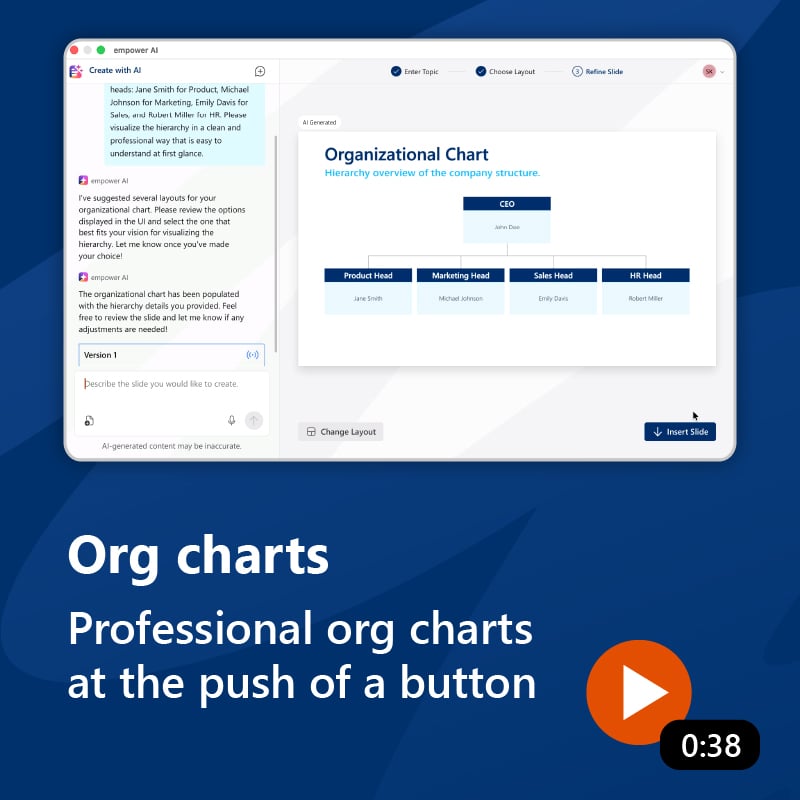
empower® AI product tour

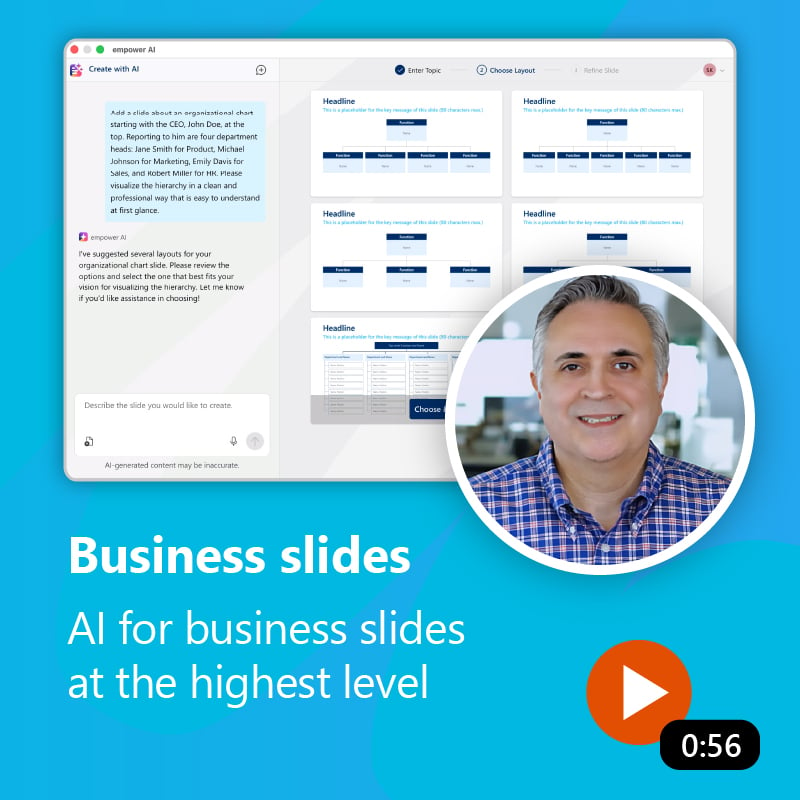
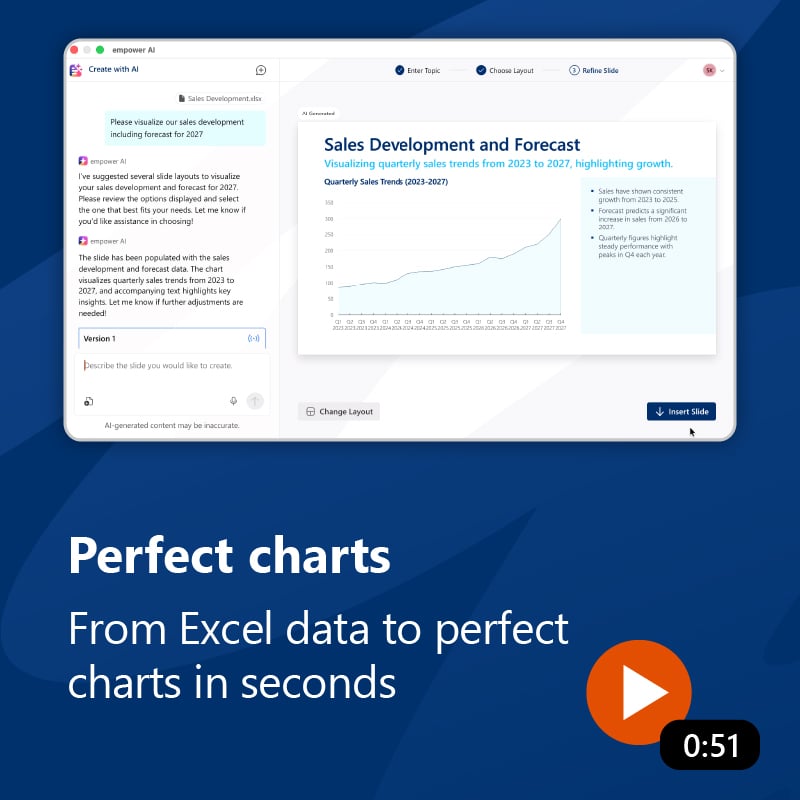
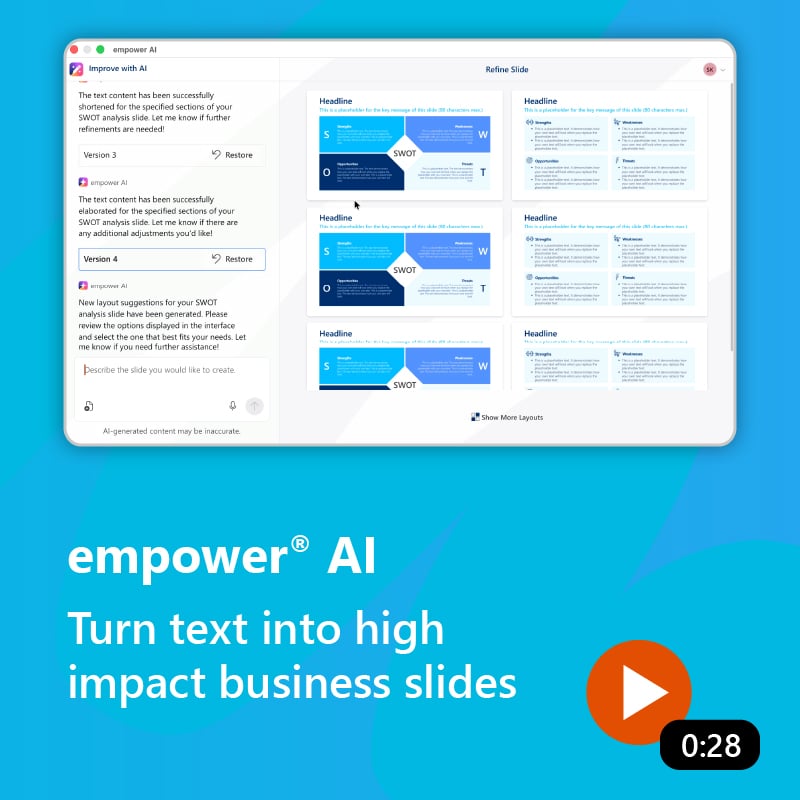
empower® AI helps users in the areas where presentations take the most time: writing, designing, and formatting slides. Explore a selection of typical use cases:

empower logo   How empower® AI works


Built for the highest standards of efficiency, brand consistency, and security

Human control. Precise results.

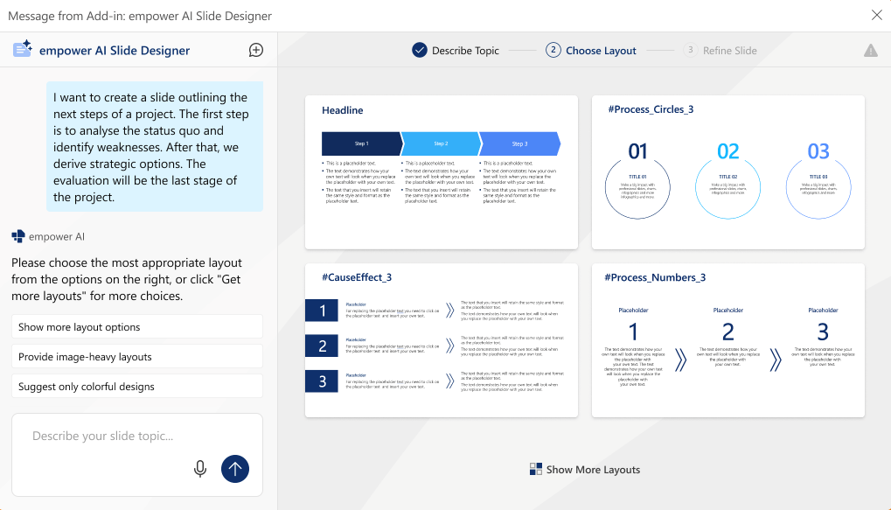
empower® AI uses a human-in-the-loop approach. Users define the content, and the AI suggests suitable slide templates. Once the best template is selected, the AI takes care of the design work, which is exactly the part many people find most challenging in their everyday work.
 

100% business-relevant slides

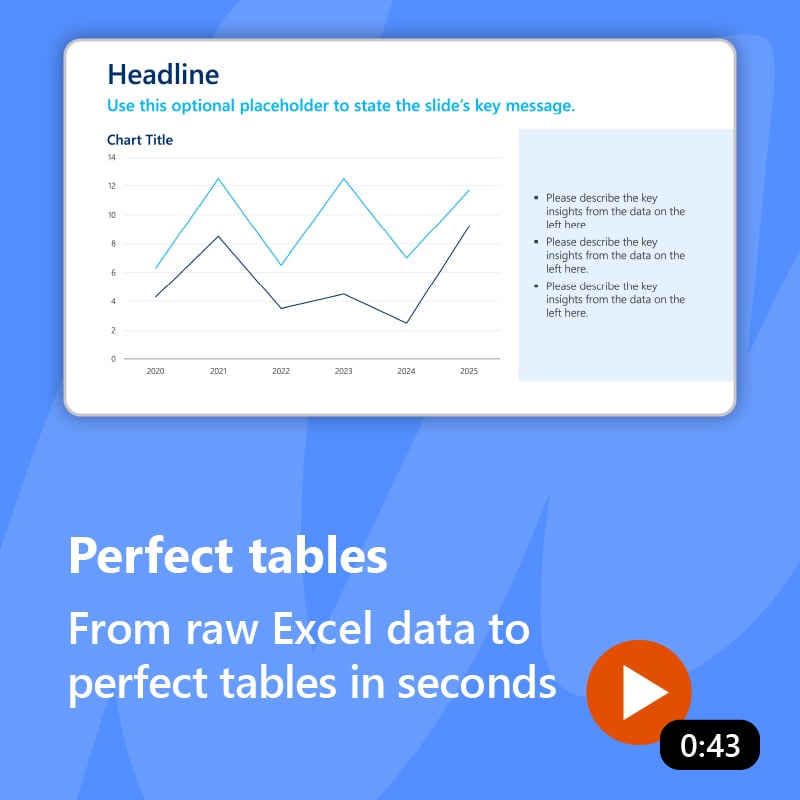
No more generic AI slides with mismatched text and visuals. empower® AI turns complex information into clear, easy-to-understand, compelling business slides with a clean, polished look. Even sophisticated slides with tables and built-in charts come together in seconds.


Save more than 50% of the time per slide

empower® AI automatically selects the right template and creates structured, on-brand content. The layout, positioning, and formatting are already set up correctly. This removes formatting work altogether and cuts the time required per slide by more than 50%.


100% on-brand

Truly on-brand presentations involve much more than the right font and color palette. What matters most are the distinctive style elements, including templates, bullet styles, shapes, and signature design features such as rounded corners, drop shadows, color gradients, and angled elements. empower® AI ensures that every detail is applied consistently.

Security built in from the start

For enterprise security, control is key. That is why empower® gives you a choice. You can use the ISO 27001-certified empower® Cloud or your own Azure OpenAI instance.

empower® AI in action  –
watch the demo

 Book a meeting  Online demo

Why customers love empower®

"Today, brand governance is largely built on trust, and empower® has helped make that possible."

"Because users can create presentations much faster, more easily, and with greater impact."

"Implementing empower® was one of the best decisions we made as part of the branding project."

"We always refer to empower® as the ‘gold standard’ for how Office products should be built."

Professional slides in seconds – key benefits at a glance:

100% business-relevant slides instead of generic AI slides

At least 50% time savings per slide, so you can focus on content

100% on-brand, with no need for manual corrections

The best alternative to the Microsoft SharePoint slide library

SharePoint is often used for slide management in companies. However, with SharePoint 2013, Microsoft abolished the slide library component because of poor customer adoption. SharePoint’s slide library integrated clumsily with the slide library in PowerPoint, its search was insufficient search, and it was unstable. The slide library of empower® solves all those problems. It completely replaces your SharePoint slide library and offers further advantages for you.

Efficient slide library without SharePoint

Make all your PowerPoint content available to the entire company in the empower® slide library. Share existing content and strengthen collaboration across the organization. Enhance your brand communication by embedding your design guidelines directly into PowerPoint. Deliver all your brand assets directly in PowerPoint. At the same time, you and your colleagues can work more productively and save time for the really important tasks.

empower® for Microsoft Teams

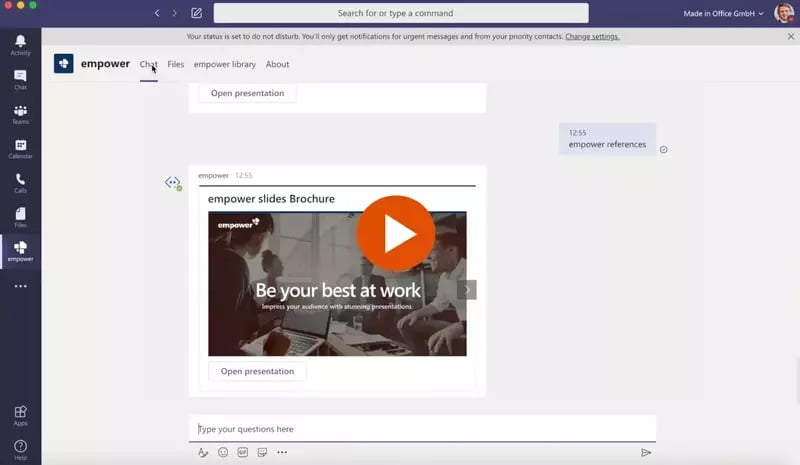
empower® also directly integrates with Microsoft Teams. People can browse the empower® Library or chat with the empower® Bot to find and open slides directly inside MS Teams.

Independent reviews on top platforms

Let's talk

In a 15-minute consultation, you’ll discover how empower® AI can address your challenges. You can ask questions and get a clear picture of how the solution works.

Simply fill out the form on this page to schedule your appointment. We look forward to connecting with you!

faq-iconFAQ


1. What are the benefits of empower® AI?

Create 100% brand-compliant business slides that are ready to use immediately. Save at least 50% of the time per slide compared to building presentations in PowerPoint. Reduce revision cycles. Eliminate inconsistencies in style. Focus more on content that drives real impact.

2. How is empower® AI different from ChatGPT, Copilot, or similar tools?

Other AI tools either do not work directly in PowerPoint, produce visually generic results, or both. empower® is built around your brand, delivering fully polished, ready-to-use slides rather than drafts that require additional editing. It uses only your templates and design elements.

3. Who is empower® AI designed for?

Teams in marketing, sales, management, consulting, finance, HR, and anyone who regularly creates presentations and documents.

4. Is our data secure?

Absolutely. Your content is never used for AI training or stored for model improvement. All communication is encrypted. Data processing is handled through Azure OpenAI in GDPR-compliant, certified data centers. empower GmbH is ISO 27001 certified and operates under strict security standards.

5. How does empower® AI work?

empower® AI uses ChatGPT models via Azure OpenAI, combined with user-provided prompts and on-brand templates. These templates establish clear guidelines for branding, layout, and structure, ensuring the AI generates and refines content strictly within those parameters.

6. What are the technical requirements?

You need empower® AI, a web add-in available in the Microsoft Store, along with a Microsoft 365 environment.

7. Does empower® AI need to be trained on our proprietary content?

No specific training is required. Before rollout, your company templates are built into the software through a design customization process. Because those templates are fully brand-compliant, empower® AI uses them to generate fully consistent, on-brand results.

8. How quickly can empower® AI be deployed?

From a technical perspective, deployment can be completed within a few hours. From a branding perspective, timing typically ranges from 1 to 5 business days, depending on the complexity of your corporate design and the size of the template library you want to implement.

9. What are the limitations of empower® AI?

Users’ creative flexibility is intentionally limited by your company’s brand standards to ensure fully brand-compliant results.

The factual accuracy of data shown in charts or tables depends on the quality of the source data, such as documents submitted through prompts or data available through submitted URLs. Always remember that AI cannot replace expert review.

10. How is empower® AI licensed?

empower® AI can be licensed in one of two ways:

• as a standalone, compact AI feature set

• as part of empower® Slide Generation, a comprehensive presentation environment that includes additional capabilities beyond core AI functionality