


At first glance, AI-generated presentations seem like a clear productivity gain. Within minutes, slides, text, outlines, and initial visualizations can be created. For organizations, this is highly attractive. Teams can begin working faster, and ideas can be visualized more easily. The key question, however, is not how quickly a slide deck can be created. The real question is: How quickly can it become a presentation that is actually usable in a business environment?
The hidden costs of AI-generated presentations usually emerge after the initial draft. They result from content reviews, storyline development, layout corrections, brand adjustments, data privacy considerations, source verification, and approval processes. Organizations that measure only creation time are looking at only half of the equation.
Modern AI presentation tools are significantly more advanced than simple slide generators. Many can now create presentations directly within Office or Workspace environments, edit existing decks, incorporate templates, and partially follow brand guidelines.
The issue is not that AI is inherently unsuitable. The challenge is that a quick draft still needs to become a factually accurate, brand-compliant, legally sound, and internally approved corporate presentation.
Why AI-generated presentations initially feel productive
The perception of productivity is understandable. AI tools provide rapid structural suggestions, draft key messages, generate slide layouts, and help turn notes into presentation-ready content.
This can be particularly valuable during early stages such as brainstorming sessions, internal pitches, management updates, or rapidly visualizing new ideas.
However, an initial draft is not automatically a finished corporate presentation.
In organizations, presentations must do more than simply look good. They must be accurate, fit the intended audience, comply with brand standards, meet data privacy requirements, receive internal alignment, and remain fully editable in PowerPoint.
A Workday study on knowledge work describes this as the productivity paradox. AI saves time, but a meaningful portion of those time savings is lost again through revisions, corrections, and validation of AI-generated output. According to Workday, approximately 40 percent of the time saved through AI is consumed by these follow-up activities.
Applied to presentations, this means that the initial time savings are real, but a significant portion is frequently lost later in the process.
The real costs begin after the first AI draft
The costs of AI-generated presentations rarely arise during generation itself. They occur afterward.
Typical rework includes:
- Reviewing factual statements
- Verifying numbers, sources, and arguments
- Restructuring slides
- Refining the storyline and audience logic
- Adjusting layouts to existing standards
- Reviewing corporate design compliance
- Aligning visuals, icons, and tone of voice
- Assessing sensitive content and data usage
- Coordinating approvals
- Integrating slides into existing PowerPoint decks, masters, and templates
Hidden costs do not result from AI itself. They result from the mistaken expectation that a prompt automatically produces a finished, compelling presentation.
The five most common cost traps
1. Content validation
The greatest effort arises when AI-generated outputs sound plausible but are not sufficiently reliable. Presentations frequently contain condensed messages such as market arguments, product claims, strategic conclusions, figures, and recommendations. These statements must be accurate.
AI can summarize, structure, and formulate content. However, determining whether information is accurate, current, properly sourced, and appropriate within a specific business context remains a human responsibility. For internal brainstorming, a plausible draft may be sufficient. For customer presentations, board meetings, or sales materials, it is not.
As a result, subject matter experts, marketing teams, product teams, and legal departments often need to review, correct, and approve content. This work is frequently overlooked when only the speed of the initial draft is evaluated.
2. Structure and storyline
Modern AI tools can suggest storylines, organize slides, and condense arguments. This is helpful, but it does not replace strong presentation logic.
An effective business presentation requires more than a formally correct sequence of topics. It needs a coherent narrative, clear audience guidance, and a recognizable decision-making perspective.
Especially in sales, management, and strategy presentations, the storyline determines whether the presentation is effective.
AI can provide an excellent starting point, but deciding whether the argument will resonate in a specific meeting remains a professional and editorial decision.
3. Layout and PowerPoint quality
A visually appealing design is not the same as high-quality PowerPoint output in a corporate environment. Additional work arises when complex layouts, charts, fonts, masters, or placeholders do not properly align with corporate standards or when external presentation tools must be converted into PowerPoint workflows.
Corporate presentations are rarely one-time documents. They are adapted, localized, updated, reused by other teams, and integrated into existing slide libraries. If layouts need to be repaired or slides repeatedly converted into templates, ongoing costs quickly accumulate.
4. Brand and corporate design
Brand kits, corporate templates, and style guidelines significantly improve the brand consistency of AI-generated presentations. However, they are only as effective as the underlying templates, assets, and governance processes.
This "almost correct" state is expensive because small inconsistencies are often discovered only during final review by marketing or brand teams. Colors, visuals, tone of voice, or even entire slides may need to be revised.
As more teams create presentations with AI, centralized management of templates, brand rules, and approved content becomes increasingly important.
5. Data privacy, approvals, and governance
Many privacy, administrative, and compliance requirements can be addressed within approved enterprise environments.
Additional risks primarily arise when teams use unapproved tools, transfer sensitive content to external systems, or lack clarity regarding approved data sources, templates, and assets.
Even without an actual data breach, uncertainty creates additional work. Teams must determine: which tools are permitted, which information may be processed, which sources are approved andwho is responsible for the final presentation
Governance is therefore not merely a compliance topic, it is also a productivity factor. The clearer the rules regarding tools, data flows, templates, and approvals, the fewer coordination loops organizations will face.
How organizations can identify hidden costs
Hidden costs become visible when organizations measure not only the time required to create an initial draft, but also the total time required to produce a usable presentation.
Helpful questions include:
- How many revision cycles are needed before an AI-generated presentation reaches its final version?
- How often must content be revised because of missing sources or unclear factual foundations?
- How frequently do brand or marketing teams correct colors, layouts, visuals, or tone?
- How much time is lost due to PowerPoint-related adjustments?
- How often do privacy, governance, or approval issues require additional review?
- How easily can AI-generated slides be integrated into existing presentations, masters, and templates?
These questions shift the focus away from the impressive first impression of AI presentation tools and toward the realities of daily business operations.
The economically valuable slide is not the one that is generated most quickly, but the one that can be used with the least friction.
When AI-generated presentations truly reduce costs
AI reduces costs when it works within existing business processes rather than alongside them. If presentations are created using centrally managed templates, defined corporate design standards, and approved content, a significant portion of the typical rework can be avoided entirely.
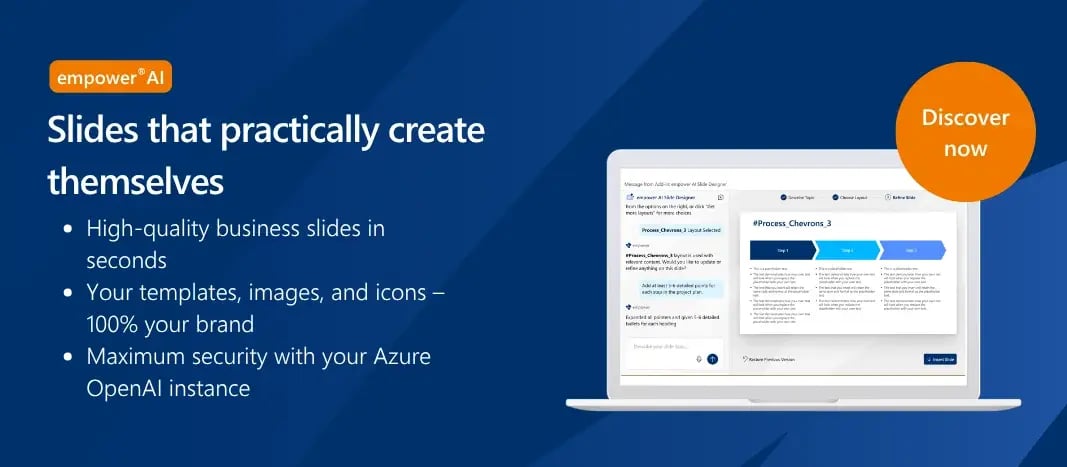
This is precisely where empower® AI comes in. Presentations are not created outside brand and template logic and then adjusted afterward. Instead, they are generated directly on the basis of approved corporate standards. Colors, layouts, masters, templates, and reusable content are integrated into the process from the beginning.This is the key difference between a quick AI draft and a truly usable corporate presentation.
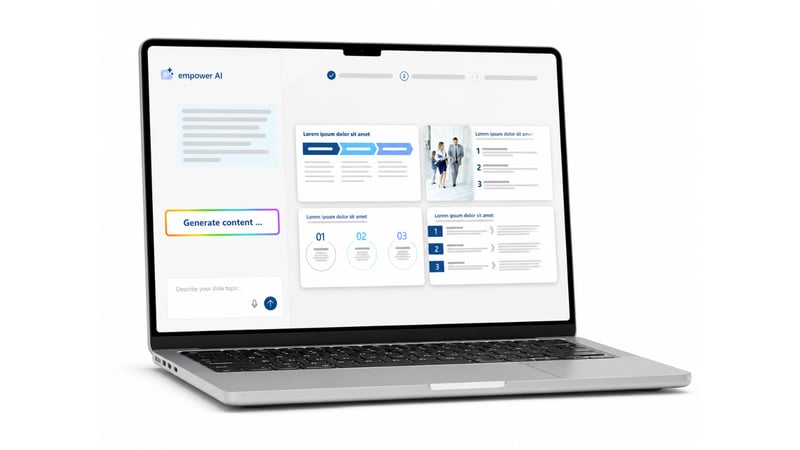
At the same time, users retain control. AI can suggest, structure, and accelerate work, but it operates within a controlled framework. Professional and communication decisions remain with the people who understand the context.
This Human-in-the-Loop approach reduces not only the initial creation time but also the rework associated with layouts, branding, template compliance, and PowerPoint quality.
Conclusion
The business value of AI in PowerPoint should not be measured by how quickly a slide deck can be generated. The real question is how quickly that deck becomes a factually accurate, brand-compliant, securely managed, and approved presentation.
For organizations, the most important metric is not creation time but the total time required to reach a presentation that is ready for use.
Modern AI tools can significantly accelerate the starting point. The true efficiency gains arise only when the path to the final presentation also becomes faster, safer, and more reliable.
The best outcome is not the presentation that is created the fastest.

How to prepare a presentation AI pilot – Introducing AI in organizations

Presentation AI in enterprises – Build or buy?