


PowerPoint add-ins can unlock untapped potential in your presentation workflow. That is good news, because slide decks are as much a part of modern work as morning coffee. Yet creating and editing PowerPoint presentations and charts can take up valuable work time. No wonder more companies are turning to customized PowerPoint add-ins with AI-powered support to boost productivity.
In this blog post, we highlight five of the most popular PowerPoint tools and explain the difference between a PowerPoint add-in, add-on, and plug-in.
PowerPoint add-in, add-on, or plug-in?
As an IT expert and/or power user, you probably know the difference between these three software components. However, we would like to briefly highlight their different characteristics and explain three different PowerPoint tools in more detail.
PowerPoint plug-in:
“Plug” means connector - something added to an existing circuit. A PowerPoint plug-in is a separate program that extends the functionality of PowerPoint. It can perform its own calculations and uses its own libraries. With a plug-in, PowerPoint gets – figuratively speaking – additional, fully developed limbs with which it can work. Famous plug-ins are for example "Java" and "Flash Player".
PowerPoint add-on:
Plug-ins and add-ons are often confused. While a plug-in works completely independently, an add-on is basically just added on top of an application. A PowerPoint add-on cannot perform independent calculations and accesses the functions of the base software. Without an installed version of PowerPoint, a PowerPoint add-on cannot function. A special PowerPoint add-on is for example the "Emoji Keyboard".
PowerPoint add-ins:
PowerPoint add-ins extend PowerPoint with additional functions (so-called macros). In contrast to an add-on, however, an add-in leverages the functionality of the host software. Add-ins can be tailored to the needs of the respective company. Prime examples are the add-ins from empower®: empower® Brand Control, empower® Chart Creation and empower® Content Enablement for Mac and MS Office.
5 PowerPoint add-ins for more productivity
You may know about our detailed office study, which we conducted with Nielsen. If not, then take advantage of the free download of the study right now.
Through our research and surveys, we found that employees who spend at least 50% of their work time in front of a computer spend an average of seven work hours per week creating PowerPoint presentations. 36% of that time is spent not creating, but formatting slides. That exposes an incredible amount of potential to increase productivity. This is where the following five PowerPoint add-ins come into play.
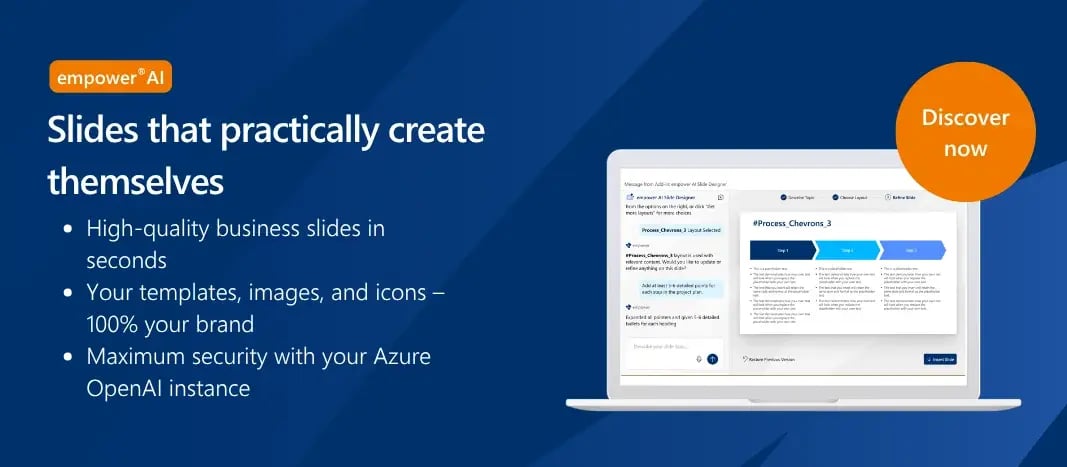
- empower® Slide Generation and empower® AI: Business slides that build themselves
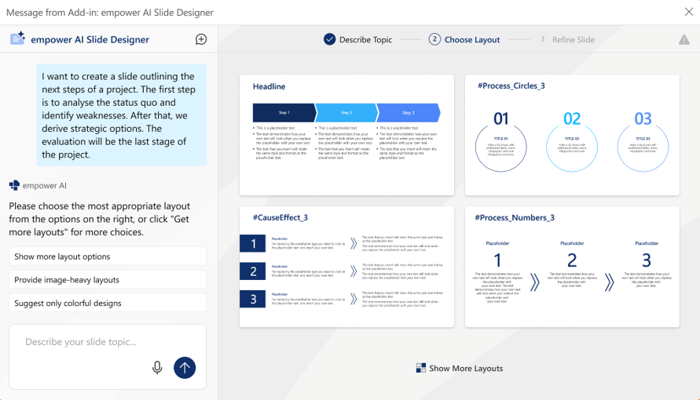
Endless formatting, tight deadlines, and outdated layouts? With empower® Slide Generation, teams can create consistent, on-brand PowerPoint slides faster.
This PowerPoint add-in combines AI, automation, and brand management in one easy-to-use workspace. empower® AI understands voice and text prompts, files, and website content, then turns them into business slides using approved company templates. With human oversight and enterprise-grade security through Azure OpenAI or the empower® Cloud, teams can save up to 50% of the time spent on each slide.
Built-in templates, brand guidelines, design elements, and smart productivity tools make formatting easier and help teams focus on stronger content and more compelling stories. - empower® Chart Creation: Modern charts in seconds
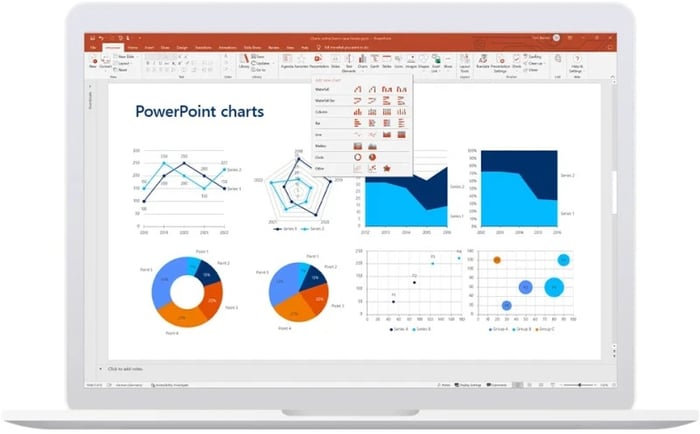
As noted above, creating charts for PowerPoint presentations is one of the most time-consuming tasks. empower® Chart Creation helps you present your data with precision. With empower®, you can create complex charts, including waterfall, Gantt, Mekko, and combination charts, as well as reports, simply, consistently, and efficiently. Automation, Excel integration, and clean design deliver professional results in minutes instead of hours. - PowerPoint plug-in: SlideLizard
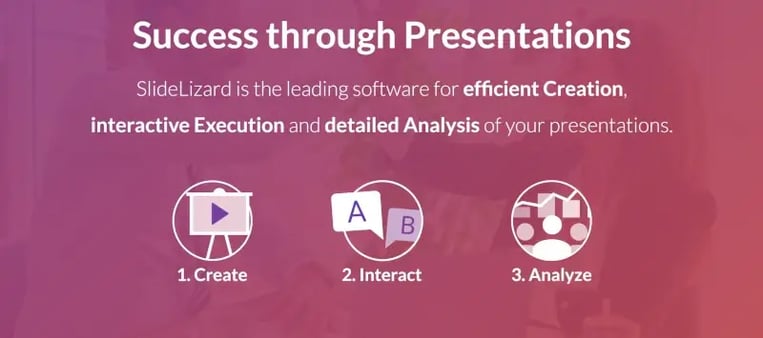
Make your PowerPoint presentation interactive with this innovative plug-in. SlideLizard allows the audience to interact directly during the presentation. Q&A, live polls, sharing resources or more direct feedback from your audience are just a few of the many features of the PowerPoint plug-in. Also interesting is the ability to get basic insights about who exactly attended your presentation. SlideLizard offers three price options. The basic version is free of charge and certainly sufficient for many users. The richer paid versions – "Basic" (€95 per year) and "Pro" (€199 per year) – unleash the plugin’s full power. You can test the Pro version of the PowerPoint plugin for one month for free. - Add-in: PowerPoint Labs
This free PowerPoint add-in PowerPointLabs saves a lot of time, especially when creating complicated slide animations. PowerPoint Labs was created at the National University of Singapore and displayed as another tab in the PowerPoint menu bar with numerous, well-designed, and easy-to-use effects. For example, this PowerPoint add-in allows you to zoom in and out on slides, or on animations, diagrams, etc., among many others. - PowerPoint add-on: Emoji Keyboard

Emojis are especially popular with a younger demographic. With this stylistic device, you can liven up complex, perhaps dull content and make it easier to digest for a younger audience. The add-on for PowerPoint – Emoji Keyboard – provides you with an emoji library with over 1,300 variants. It reduces the effort of searching for the right emoji on the Internet many times over.
Looking for PowerPoint support? Contact us! We are looking forward to connecting with you.
With our slide generation solution, your employees have the opportunity to create presentations faster and more efficiently. This leaves more time for the really important tasks!

Automatically update PowerPoint Excel links – save time and money

Animate PowerPoint Charts individually with few steps